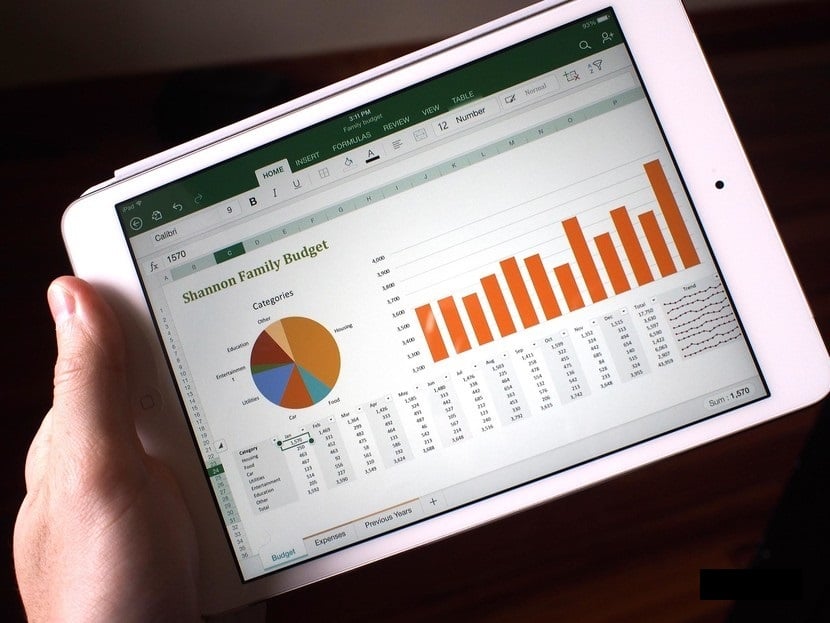
Excel is a software from the Microsoft Office office suite that allows for numerical calculations, data analysis, and graphical representations. When you install it on your computer, certain features are essential to fully benefit from it. It’s not enough to master the software from end to end, but to be able to use the key tools that are integrated into it. Through this article, we help you discover these functions.
-
IFERROR
Several functions come into play to perform calculations with Excel. Among them, we can highlight the IFERROR function. It allows you to capture and better resolve errors within an equation. This feature is useful in calculations as it provides accuracy on a value that contains errors. Its primary role is to handle divisions by zero (DIV/0), errors related to # N/A, #VALUE!, REF!, #NUM!, #NAME?, #NULL! The syntax of IFERROR is presented as “value, value_if_error”. Marked Value_if_error in English, this syntax works as follows:
- If empty, IFERROR considers it as a blank link value;
- If value appears as the array formula, IFERROR provides a character of results related to each batch of the range mentioned in the value argument.
-
SUMIF and SUMIFS
SUMIF and SUMIFS are very important in the context of businesses. It is a mathematical and trigonometric feature that allows for precise determination of the sum of values from specific columns. It can help define a company’s revenue based on the period and region. SUMIF is based on a condition to function, while SUMIFS is based on a set of conditions. This means that you should use the SUMIF function to add elements with a single criterion. Its syntax is established as: “criteria_range; criteria; sum_range”. As for SUMIFS, it sums considering multiple criteria and its syntax is: “G2; G61; D2; D61; ‘A’; C2:C61; ‘red’” in the case where you want to know the number of sales of a red product sold by company A, for example.
-
VLOOKUP
The VLOOKUP feature is the most popular in the realm of Excel functions intended for data analysis. It is a very effective function in its task and easy to use. As its name suggests, it allows the user to search for values in an alignment of tables. The purpose of this function is to enable those who use Excel to easily find information using numbers in a file.

-
INDEX-MATCH
INDEX-MATCH is a very practical combination of functions for performing a value search. Less known than the VLOOKUP function, for example, it overcomes the limitations of the latter by allowing the user to perform searches (unable to find a column to the left of the lookup table), regardless of the position of the columns. The syntax INDEX-MATCH (list of values; MATCH (searched_value; lookup_column; exact_match?)) can be found on ApprendreExcel.com.
In summary, the Excel software is intended for office use. It contains various features among which you now have 4 essentials at your fingertips. Make good use of them to make your calculations easier.